About four months into blogging, I was staring at a post I’d spent six hours writing.
It covered exactly what I knew people needed — I’d seen the same question asked repeatedly in forums, in Facebook groups, in blog comments. The research was solid. The writing was good. And it had earned a grand total of 23 visits in six weeks, most of which were probably me checking if anyone had shown up.
What I hadn’t done was any SEO. Not deliberately. I just didn’t understand what it meant in practice — I’d read about keywords and meta descriptions but had no real idea how to apply any of it to an actual post before hitting publish.
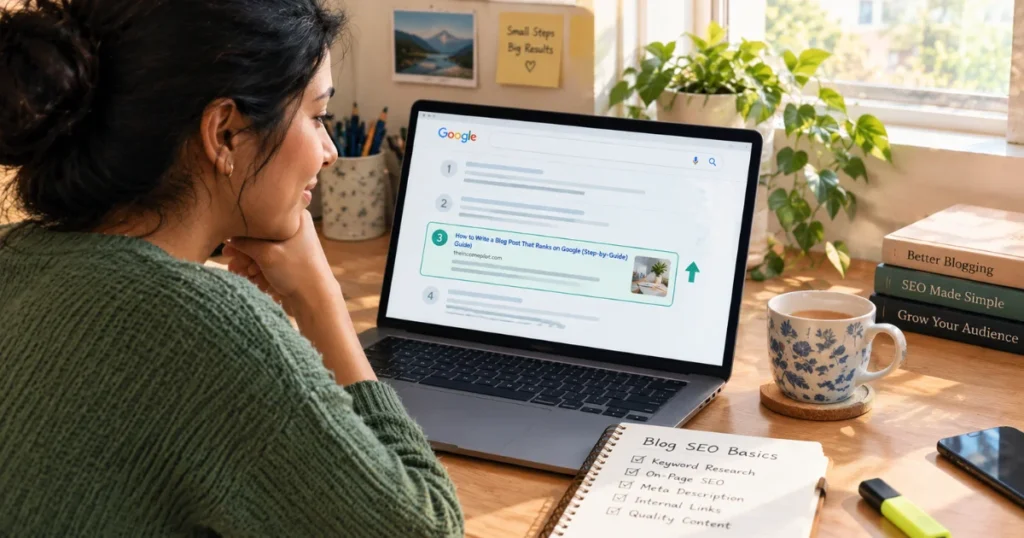
That six-hour post sat on page seven of Google. Nobody goes to page seven.
This guide is what I wish someone had given me before that happened. Not theory — the actual steps, the specific tools, and the logic behind why each thing matters.
What Blog SEO Actually Is (Before the Steps)
Blog SEO is the practice of optimising your blog posts so Google understands what they cover, identifies them as genuinely useful, and ranks them in front of the right people when those people search for that topic.
It has two sides that work together: on-page SEO (what’s in your post — keywords, structure, headings, links) and technical SEO (how your site is built — speed, mobile-friendliness, crawlability). Neither alone is enough.
The goal isn’t to trick Google. Its goal is to make it as easy as possible for Google to answer one question: “Is this post the most useful, trustworthy thing a person who typed this search query could read right now?”
SEO is just the work of making the answer to that question a clear yes.
Step 1: Keyword Research Before You Write
The single biggest SEO error beginners make happens before they type a single word — writing without knowing what their reader is actually searching for.
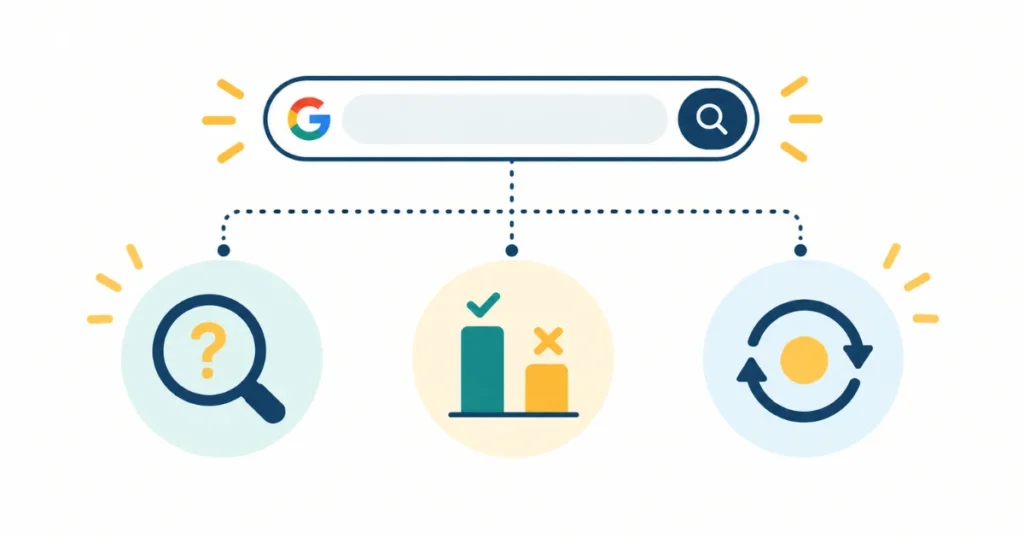
Keyword research means finding the exact phrase your target reader is typing into Google, before you write your post, and then writing a post that directly answers it.
Not roughly answers it. Directly answers it. There’s a difference between “productivity tips for remote workers” (a topic) and “how to stay focused working from home with kids” (a real search query with a real person behind it). One is something you feel like writing about. The other is something someone is typing into Google right now.
How to do it without paid tools
Google autocomplete — Start typing your topic into the Google search bar and watch what it suggests. Every suggestion is a real query with real search volume. These are directly usable as post topics.
People Also Ask box — Search your topic and scroll down to the “People Also Ask” section. Every question there is a rankable search query. Click one question and more appear. This single box can fill your content calendar for weeks.
Related searches — At the bottom of every Google results page is a row of related search suggestions. More real queries, more post ideas.
Free tools that add volume data:
- Ubersuggest (free plan) — type any keyword and see monthly search volume, keyword difficulty, and related keywords
- Keywords Everywhere (Chrome extension, ~$10/year) — shows search volume data directly in Google as you browse
- Google Keyword Planner (free with a Google Ads account, no spend required) — the source data for most keyword tools
What you’re looking for
When you evaluate a keyword before writing, you need two things to be true:
There’s genuine search volume — people are actually searching for this. Anything with 100+ monthly searches is worth targeting for a new blog.
The competition is achievable — a new blog can’t immediately rank against Forbes or WebMD. On Ubersuggest, target keywords with a Keyword Difficulty (KD) score under 25. On Ahrefs (if you have access), under 20. These are queries where independent blogs are already ranking — which means you can too.
The sweet spot for beginners: low-competition keywords with specific, answerable questions. “How to budget as a freelancer with irregular income” is a better first target than “how to budget.”
Step 2: On-Page SEO — The Elements That Actually Matter

On-page SEO is everything you control within the post itself. Done well, it tells Google exactly what your post is about and signals that it’s worth ranking.
The title tag (H1)
Your title should contain your primary keyword, ideally in the first half. This is the single strongest on-page signal. Keep it under 60 characters so it renders fully in search results.
“Blog SEO for Beginners: How to Rank Your Posts” works because it leads with the primary keyword and tells the reader precisely what they’re getting.
The URL slug
Keep your URL short, clean, and keyword-focused. /blog-seo-for-beginners/ — not /blog-seo-for-beginners-a-complete-guide-to-ranking-your-posts-on-google-2026/.
Set this in WordPress before you publish. Changing it later requires a redirect and can temporarily affect rankings.
The introduction (first 150 words)
Your primary keyword should appear naturally in your first paragraph. Not forced — just present. Google and readers both scan opening lines to confirm the post matches what they were looking for.
Start with a story or problem, not a definition. A definition is what encyclopedias do. A story is what keeps someone reading.
H2 and H3 headings
Break your post into sections using H2 headings for main sections and H3 for subsections within them. This structure does three things:
- Helps readers scan and navigate (most people scan before they decide to read)
- Signals content structure to Google
- Increases featured snippet eligibility when headings are phrased as questions or direct answers
Use secondary keywords naturally in headings where they genuinely fit. Never force it.
Meta description
Write one, even though it doesn’t directly affect rankings. It shows up as the text beneath your title in search results, and it directly affects whether someone clicks. A good meta description explains what the post covers and why clicking it is worth their time. Keep it under 155 characters.
Image alt text
Every image in your post should have an alt text attribute that describes what the image shows. This serves accessibility (screen readers use it) and provides a small SEO signal. Write it for a human, not a keyword list: “on-page SEO checklist for a blog post” not “SEO blog SEO on-page SEO checklist.”
Internal links
Link to two or three other related posts on your blog within every new post you publish. This keeps readers on your site longer, distributes authority from established posts to newer ones, and helps Google understand how your content relates thematically.
Then go back to older posts and add a link from them to your new post. This is one of the most effective and consistently overlooked SEO moves.
Word count
Longer posts don’t automatically rank better — but adequate depth does. If the top-five results for your target keyword are all 1,800–2,200 words covering the topic thoroughly, a 600-word post that skims the surface won’t outrank them. Match depth to topic complexity. For most how-to and informational posts, 1,500–2,500 words covers it.
Step 3: Technical SEO Basics Beginners Can’t Skip
Technical SEO sounds intimidating. For a beginner on WordPress, most of it reduces to six things:
1. Site speed and Core Web Vitals
Google measures page experience through three metrics:
- LCP (Largest Contentful Paint) — how fast your main content loads. Target under 2.5 seconds.
- INP (Interaction to Next Paint) — how fast the page responds when someone clicks or taps. Target under 200ms.
- CLS (Cumulative Layout Shift) — how much elements move around as the page loads. Target under 0.1.
Check yours free at PageSpeed Insights. If your scores are poor, the most common causes on WordPress are uncompressed images, a slow hosting server, and too many plugins.
The quick fixes: Use a caching plugin (WP Rocket or LiteSpeed Cache), compress all images before uploading (Squoosh is free), and choose a lightweight theme like Kadence or Astra.
2. Mobile-first
Google has used 100% mobile-first indexing since July 5, 2024 — meaning it crawls and evaluates your site exactly as a mobile user would. Your mobile experience isn’t secondary. It’s the experience Google judges you on.
Check how your blog looks on a phone. Text should be readable without zooming (minimum 16px font size). Buttons should be tappable without accidentally hitting adjacent elements (minimum 48×48px touch targets). Nothing should scroll sideways.
3. HTTPS
If your blog URL doesn’t start with https:// your site is flagged as insecure in browsers. Most hosting providers offer free SSL certificates. Enable it. Non-HTTPS sites rank lower than secured equivalents and lose reader trust immediately on page load.
4. XML sitemap
An XML sitemap tells Google which pages exist on your site and should be crawled. In WordPress, the Rank Math or Yoast SEO plugin generates one automatically. Submit it to Google Search Console once — then it updates itself.
5. Google Search Console
Connect your site to Google Search Console from day one. It shows you which queries bring impressions, which posts are getting clicks, and — critically — which posts are ranking in positions 8–20 (your highest-priority update targets). It’s free and it’s the most useful SEO feedback loop available to bloggers.
6. Canonical tags
If the same content appears at multiple URLs (common with WordPress pagination, category pages, or tag archives), canonical tags tell Google which version to index. Rank Math and Yoast both handle this automatically for standard WordPress setups.
Step 4: Build Topical Authority — The Long Game
Individual post SEO matters. But the bigger long-term ranking advantage comes from something called topical authority.
Topical authority means your blog covers a specific topic deeply and comprehensively enough that Google begins to treat it as a reliable, trustworthy source on that subject.
A blog with 50 well-organised posts all covering different aspects of personal finance for freelancers will eventually outrank a blog with one brilliant post on the same topic — even if that one post is technically better.
The practical implication: pick your niche, cover it in depth, and link your posts together so Google can see the web of related content. This is exactly why the topical siloing and pillar-and-spoke cluster approach that serious bloggers use works so well.
For the foundation — getting your blog structured for topical authority from day one — the complete guide to starting a blog that earns money covers the setup in full.
Mistakes Beginners Make With Blog SEO

Keyword stuffing. Using your keyword in every other sentence doesn’t help — it actively signals poor quality. Google’s systems read naturally; forced repetition is a detectable signal. Write for a human. The keyword will appear naturally enough.
Targeting the wrong keywords. Writing about topics nobody searches for (no demand) or topics so competitive that established sites dominate them entirely (too competitive for your domain authority). Check volume and difficulty before writing every post.
Optimising after writing, not before. The biggest mindset shift: SEO starts before the post, not after. Keyword research shapes what you write, how you structure it, and which sub-questions to answer. Retrofitting SEO onto a finished post is harder and less effective.
Ignoring internal links. Internal links distribute authority across your site, help Google understand topical relationships, and keep readers engaged longer. They cost nothing and take five minutes per post. Most beginners never do them.
Changing URLs after publishing. Changing a slug after a post is indexed breaks the URL and requires a redirect. If you must change one, set up a 301 redirect from the old URL to the new one immediately. WordPress plugins like Redirection handle this. But prevention is much easier — set the slug carefully before publishing.
Not connecting Google Search Console. Flying blind on which queries bring you traffic and which posts are close to ranking is an unnecessary handicap. Set it up on day one and check it monthly.
Expecting rankings in week two. Most posts take three to eight months to reach peak ranking position. The work you do now pays in month seven. Don’t judge a post’s SEO by its traffic in the first six weeks.
How Long Does Blog SEO Take to Work?
Honest answer, from the /seo-content and /seo-geo skills’ timing frameworks:
- Month 1–2: Google is crawling and indexing your posts. Most posts won’t rank meaningfully yet.
- Month 3–4: Early signals. Some lower-competition posts start appearing on pages 2–4.
- Month 5–6: Posts targeting well-researched, low-competition keywords begin breaking onto page one.
- Month 7–12: If you’ve been consistent and systematic, multiple posts are ranking. Traffic compounds.
The variable that matters most across all of these: did you actually do the keyword research before writing? Posts that were written for a specific search query with achievable competition rank measurably faster than posts written without that foundation.

Your First Week of Blog SEO — Practical Starting Points
If you’ve been publishing without SEO so far, this is where to begin:
Day 1: Connect to Google Search Console. Submit your XML sitemap (Rank Math or Yoast generates it automatically — find the URL in their settings and paste it into Search Console’s Sitemaps section).
Day 2: Run your homepage and two or three posts through PageSpeed Insights. Note the scores. If LCP is above 2.5 seconds, install LiteSpeed Cache (free) and compress any unoptimised images with Squoosh.
Day 3: Install Rank Math (free) or Yoast (free). Set a focus keyword for each published post. Fix any missing meta descriptions.
Day 4–5: Open Ubersuggest or use Google autocomplete and the People Also Ask box. Generate a list of 10 post ideas with specific, low-competition keywords in your niche.
Day 6–7: Write your next post with keyword research done first. Set the URL slug before publishing. Add alt text to every image. Link to at least two other posts on your blog. Write the meta description before hitting publish.
That’s one week. Not overwhelming — just sequential.
From there, blog SEO is a practice, not a project. Every post is a chance to do it a little better, and every month of Search Console data teaches you something useful about what’s working.
The guide to writing individual posts that rank on Google goes into post-level SEO in more depth. And once your SEO starts pulling in traffic, the blog traffic guide shows you how to stack other free channels on top of it.
If you want a grounded sense of what consistently ranked traffic could earn across your niche and monetization approach, the Blog Income Calculator gives you a realistic range.
Frequently Asked Questions
Q1: What is blog SEO and why does it matter?
Blog SEO is the practice of optimising blog posts so search engines like Google can understand them, assess their quality, and rank them in front of people searching for that topic. It matters because organic search is the only traffic source that compounds — a well-ranked post continues bringing readers for months or years after it was written, without additional promotion effort.
Q2: Do I need to learn SEO before I start blogging?
You don’t need to master SEO before publishing your first post, but the fundamentals — specifically keyword research and basic on-page SEO — should be in place from the start. Posts written without keyword research are significantly harder to rank. The good news is that blog SEO for beginners is learnable in a few days and doesn’t require technical expertise.
Q3: What is the most important SEO element for a blog post?
The title tag (H1) is the single most important on-page element. It should contain your primary keyword, ideally in the first half, and be under 60 characters. After the title, the URL slug, the first 100 words of body copy, and at least one H2 heading all carry meaningful on-page weight.
Q4: How do I find keywords for my blog posts?
Start with Google autocomplete and the People Also Ask box — both show real search queries with no tools required. Then validate volume and difficulty using free tools: Ubersuggest (free plan), Keywords Everywhere (Chrome extension, ~$10/year), or Google Keyword Planner (free with any Google Ads account). For a new blog, target keywords with monthly searches above 100 and a difficulty score under 25 on Ubersuggest.
Q5: What is keyword stuffing and why should I avoid it?
Keyword stuffing is repeating a keyword unnaturally throughout a post — in every paragraph, in every heading, in alt text for every image. It was a common tactic in earlier search engines but Google’s systems actively detect and penalise it now. Natural keyword placement (once in the title, once in the intro, in a heading or two, and occasionally in the body where it fits) is both more readable and more effective.
Q6: What SEO plugin should a beginner use for WordPress?
Rank Math and Yoast SEO are both well-established options with capable free tiers. Rank Math’s free plan is slightly more generous — it includes schema markup, 404 monitoring, and detailed per-post analysis without upgrading. Yoast has a larger support community and longer track record. Either handles the SEO fundamentals: XML sitemap generation, meta description fields, focus keyword analysis, canonical tags, and robots directives. Install one, not both.
Q7: How does Google decide which blog posts to rank?
Google’s ranking systems evaluate hundreds of signals, but the core ones accessible to bloggers are: relevance (does the post match the search query’s intent), content quality (is it genuinely helpful and thorough — Google’s Who/How/Why test), on-page signals (keyword placement, structure, internal links), page experience (speed, mobile-friendliness, Core Web Vitals), and authority (has the site built topical credibility and earned links over time). No single factor dominates — rankings reflect the combination.
Q8: What are Core Web Vitals and do they affect rankings?
Core Web Vitals are Google’s page experience metrics: LCP (Largest Contentful Paint — main content should load in under 2.5 seconds), INP (Interaction to Next Paint — page should respond to interactions in under 200ms), and CLS (Cumulative Layout Shift — elements should not move unexpectedly, score under 0.1). They are a confirmed ranking signal, though content quality and relevance carry more weight. Check your scores free at PageSpeed Insights and focus on image compression, caching, and a lightweight theme.
Q9: How many blog posts do I need before SEO starts working?
There is no fixed number. SEO works at the post level from the moment you publish a well-optimised post targeting a realistic keyword. That said, blogs with 25–50 targeted posts tend to hit a tipping point where multiple posts rank simultaneously and topical authority builds momentum. Consistent publishing with proper keyword research per post produces better results than publishing more posts without it.
Q10: Should I update old blog posts for SEO?
Yes — and this is one of the most overlooked high-impact SEO activities available. Posts ranking in Google Search Console positions 8–20 are close to page one. Adding depth, updating outdated information, improving the title, strengthening internal links, and adding relevant secondary keywords to those posts can push them onto page one faster than writing new content. Review Search Console monthly and prioritise your near-ranking posts.